
Merge Two Photos into One Online

Upload two pictures and AI will merge them into one shot with shared background and lighting — even for people who were never photographed together.
Home

/

Tools

/

Merge Photos

Caps remaining: 0 CAPS

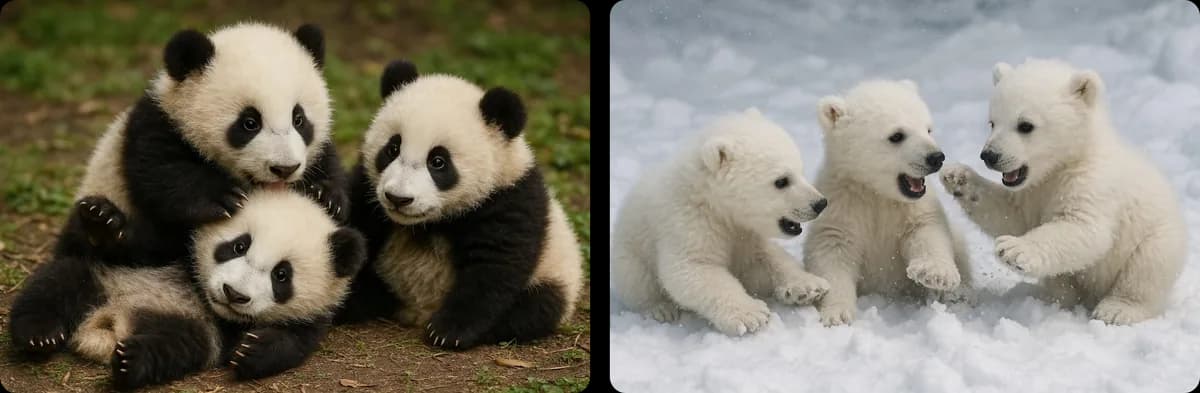
Photo 1 — the main shot or the first person

Photo 2 — the second picture: AI will combine both into one shot

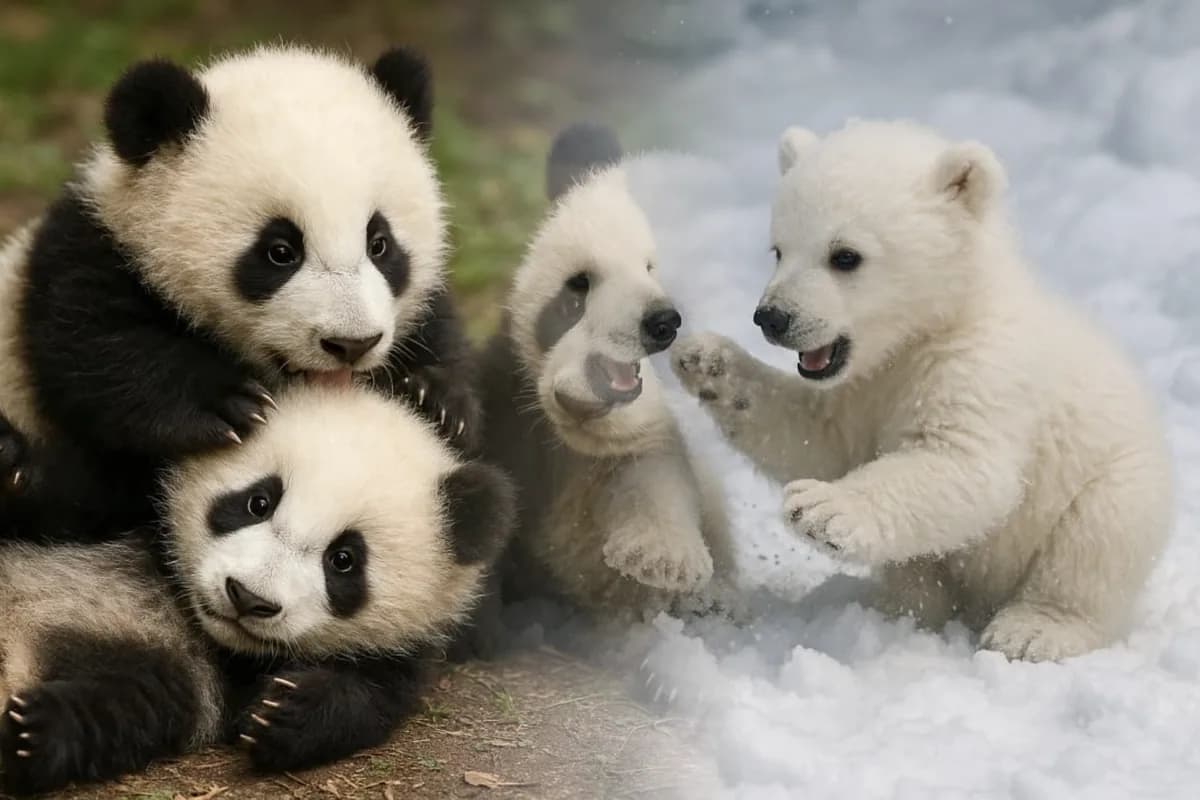
Merge these two photos into one shot in the snow

Merge these two photos into one shot in the snow

Sample result — illustration

Sample result — illustration

How to Merge Photos

star
1

Upload the first photo

The main shot or the first person goes into the “Photo 1” slot.

star
2

Add the second one

The second picture goes into the “Photo 2” slot.

star
3

Describe the result

Background, placement, time of day.

star
4

Download the image

Or ask for tweaks to the details.

What You Can Do

One shot from two

A shared background and lighting for people or objects from different photos.

New background

Describe where everyone in the shot should be.

Collage

If you prefer — a neat side-by-side layout without blending.

More tools

More tools

Face Swap
Move a face from one photo to another.
Image
AI Photo Editor
Edit photos with words: remove clutter, change the scene or style.
Image
Remove Background
Remove or replace a photo background with a text command.
Image

Still have questions?

Upload the pictures to the “Photo 1” and “Photo 2” slots above and describe what the combined shot should look like. AI will put them together — you can refine the result in the same chat.

Start with two — one in each of the “Photo 1” and “Photo 2” slots. You can attach more pictures with the paperclip in the input field, but the more pictures there are, the harder it is to create a natural shot and the more often AI mixes up details.

AI matches the lighting, scale and shadows, so the shot usually looks seamless. It works best when the source photos have a similar angle and lighting. Check the result: details such as hands, faces and clothing edges can have errors, and you can ask AI to fix them.

Yes, describe it in your request: “on a beach at sunset”, “in a cozy living room”, “in the snow”. If the background doesn't matter, ask AI to keep the background from the first photo.

The price depends on the model you choose and the image size: some models charge for the tokens of the source photo and the result, others charge a fixed amount per image. You pay in Caps; model prices and plans are listed in the “Pricing” section.

Technical Support

Merge Photos with AI

AI doesn't just stitch pictures together — it builds a new shot: it matches the background, lighting and scale so that everything looks like one photograph.

Use photos of people who don't mind — especially if you're creating a combined shot to publish.

Top left shadowRight bottom shadow
Create a Combined ShotUpload two photos and describe the scene
  • Shared background and lighting
  • New background from a description
  • Works in the browser
  • Pay as you go with Caps
Upload photo