
Remove Background from Photo Online

Upload an image and write what to keep — AI will remove the background or replace it with the one you want. For product listings, avatars and presentations.
Home

/

Tools

/

Remove Background

Caps remaining: 0 CAPS

Drag an image here or choose a file — a product, a portrait or any object

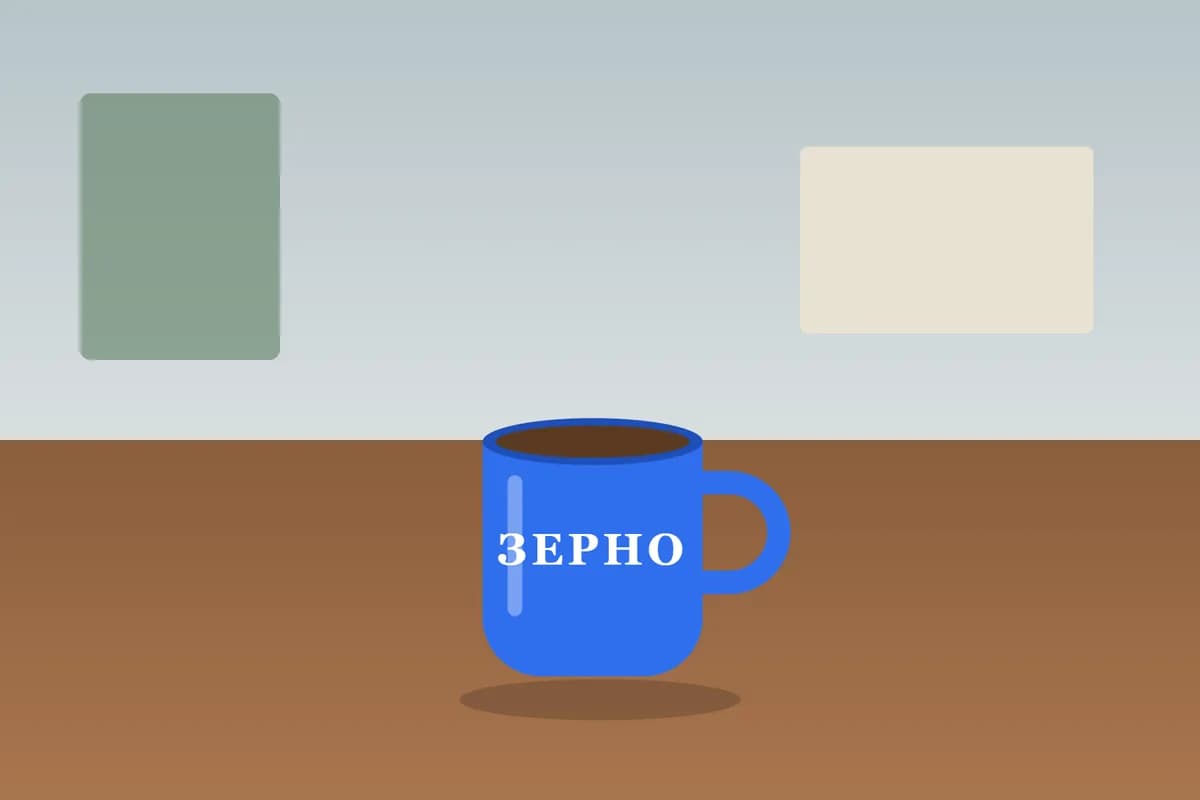
Remove the background and keep only the mug on a white background

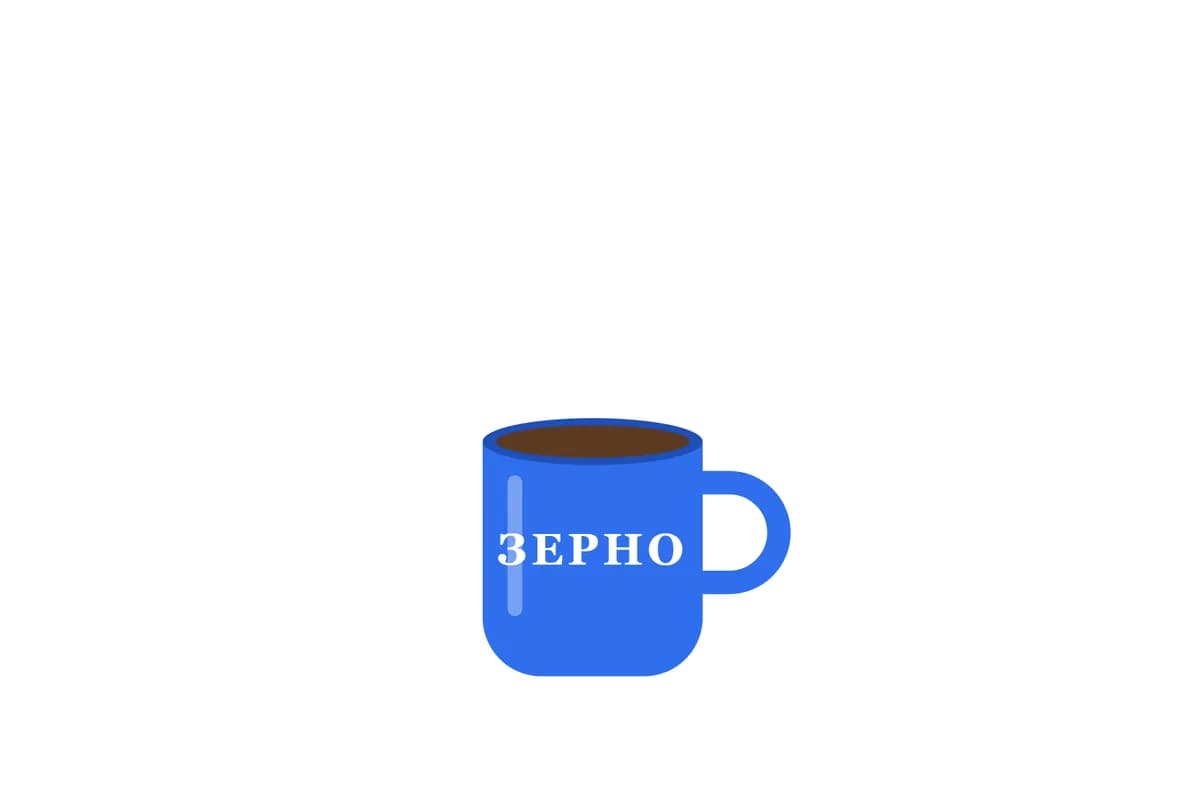
Remove the background and keep only the mug on a white background

Sample result — illustration

Sample result — illustration

How to Remove a Background from a Photo

star
1

Upload a photo

A product, a portrait or any object: drag the image into the “Photo” slot.

star
2

Write what to do

“Remove the background”, “make it white”, “put it on a kitchen table”.

star
3

Check the result

The finished photo appears in the chat — check that the edges look clean.

star
4

Download the image

Save the result or ask for tweaks.

What You Can Do with the Background

Marketplace background

A white or light background for product listings.

Replace the background

Studio, interior, nature — describe the background you want in words.

Portraits and avatars

Separate a person from the background for an avatar or a resume.

More tools

More tools

AI Photo Editor
Edit photos with words: remove clutter, change the scene or style.
Image
Improve Photo Quality
Sharpen, remove noise and restore an old photo.
Image
ID Photo
A white background and a print sheet from a regular picture.
Image

Still have questions?

Upload an image to the “Photo” slot above, write what to keep or what the background should be, and send the message. AI will send the processed photo — download it or ask for tweaks.

Not always. AI returns a finished image and may draw a white background or a checkerboard instead of transparency. For product listings, it's more reliable to ask for a pure white background. If you need a PNG with transparency, check the result and, if needed, remove the solid background in a graphics editor.

Yes, a white or light background for marketplaces is a common task. Before publishing, check the platform's photo requirements and make sure AI hasn't changed the product itself: its shape, color or labels.

Regular images — for example, JPG or PNG: a product photo, a portrait, a phone picture. It works best on sharp photos where the subject stands out clearly from the background.

The price depends on the model you choose and the image size: some models charge for the tokens of the source photo and the result, others charge a fixed amount per image. You pay in Caps; model prices and plans are listed in the “Pricing” section.

Technical Support

Remove Photo Backgrounds with AI

AI understands where the main subject is in the picture and removes everything else. You can not only remove the background but also replace it: with white for a marketplace, a studio backdrop or anything else you describe.

It works in the browser, with no Photoshop or software to install. You pay only for actual usage.

Top left shadowRight bottom shadow
Remove a Background in a MinuteUpload a photo and write what to keep
  • Remove and replace backgrounds
  • For products and portraits
  • Works in the browser, no software needed
  • Pay as you go with Caps
Upload photo