
AI Photo Editor Online

Describe what to change in your photo and AI will remove unwanted objects or change the time of day, style or details. No layers, masks or complex software.
Home

/

Tools

/

AI Photo Editor

Caps remaining: 0 CAPS

Drag an image here or choose a file — AI will edit it based on your description

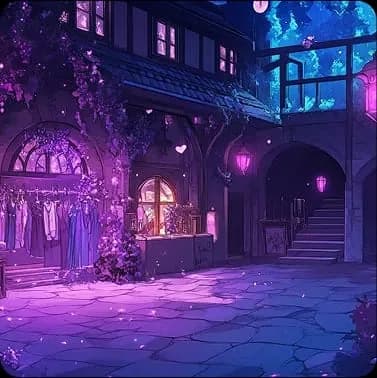
Make this street look like night and add purple neon signs

Make this street look like night and add purple neon signs

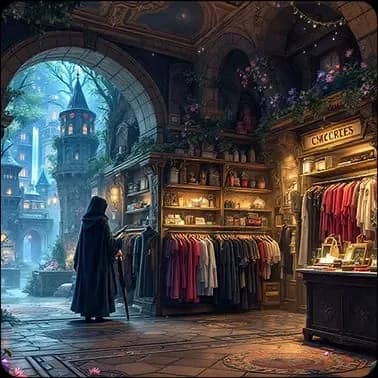
Sample result — illustration

Sample result — illustration

How to Edit a Photo

star
1

Upload a photo

Drag an image into the “Photo” slot or choose a file.

star
2

Describe the edit

In your own words: what to remove, add or change.

star
3

Check the result

The new version appears in the chat — compare it with the original.

star
4

Keep refining

Ask for the next edit in the same chat.

What the AI Editor Can Do

Remove clutter

Passers-by, wires, litter in the frame — just describe what to remove.

Change the scene

Day to night, summer to winter, a different background.

Change the style

Watercolor, anime, vintage — with a text command.

Step-by-step edits

Keep going in the same chat: “a bit brighter”, “bring back the sky”.

More tools

More tools

Remove Background
Remove or replace a photo background with a text command.
Image
Improve Photo Quality
Sharpen, remove noise and restore an old photo.
Image
Colorize Photo
Natural colors for black-and-white photos.
Image

Still have questions?

Upload an image to the “Photo” slot above and write what to change: remove an object, replace the background or change the style. AI will send back a new version, and you can ask for further edits in the same chat.

Remove unwanted objects and people, replace the background, change the time of day or the weather, redraw the photo in a different style, change the color of clothing or details. The more specific the description, the more accurate the result: say what to change and what to leave as is.

AI tries to preserve faces, but with heavy edits the features may change slightly. Add “don't change the face” to your request and check the result — if something is off, ask for a fix.

Yes. Keep going in the same chat: “a bit brighter”, “bring back the sky”, “remove the wires too”. If you don't like an edit, describe what to restore or upload the version you liked again.

The price depends on the model you choose and the image size: some models charge for the tokens of the source photo and the result, others charge a fixed amount per image. You pay in Caps; model prices and plans are listed in the “Pricing” section.

Technical Support

AI-Powered Photo Editor

Instead of layers and masks — a simple phrase: “remove the people in the background”, “make it evening”, “add snow”. AI finds the right area on its own and tries to change only that part.

On BotHub, you can edit photos with Nano Banana, GPT Image and Qwen Image Edit. It works in the browser, and you pay only for actual usage.

Top left shadowRight bottom shadow
Edit Photos with WordsUpload an image and describe the edit
  • Remove clutter and change the background
  • Step-by-step edits in one chat
  • Works in the browser, no software needed
  • Pay as you go with Caps
Upload photo