
Face Swap Online

Upload a scene and a portrait — AI will move the face into the new shot. Only use photos of people who have given their consent to this kind of edit.
Home

/

Tools

/

Face Swap

Caps remaining: 0 CAPS

Photo — the scene where the face will be replaced: drag an image here or choose a file

Face — a clear, front-facing portrait. Only photos of people who have given consent

Put the face from the second photo onto the first one, keeping the clothing and background

Put the face from the second photo onto the first one, keeping the clothing and background

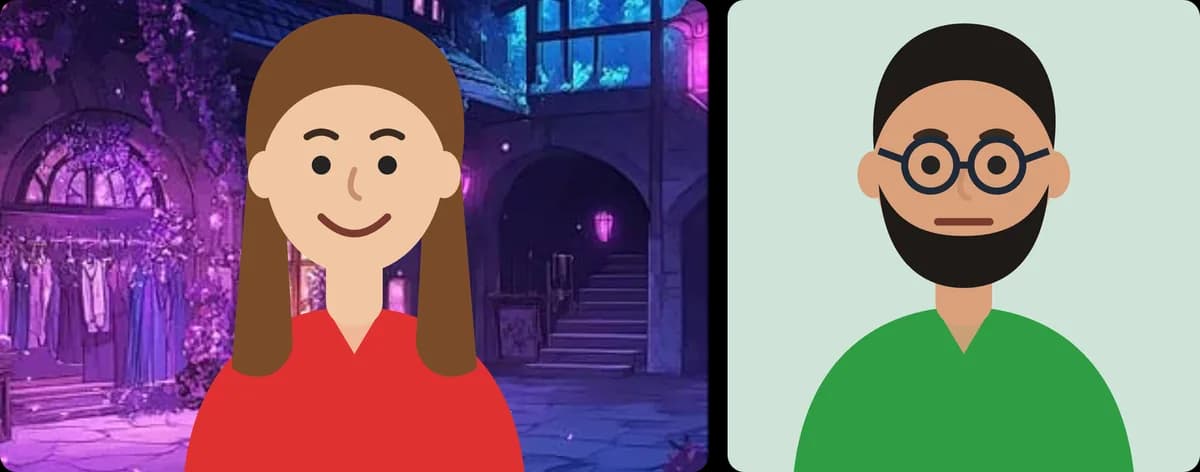
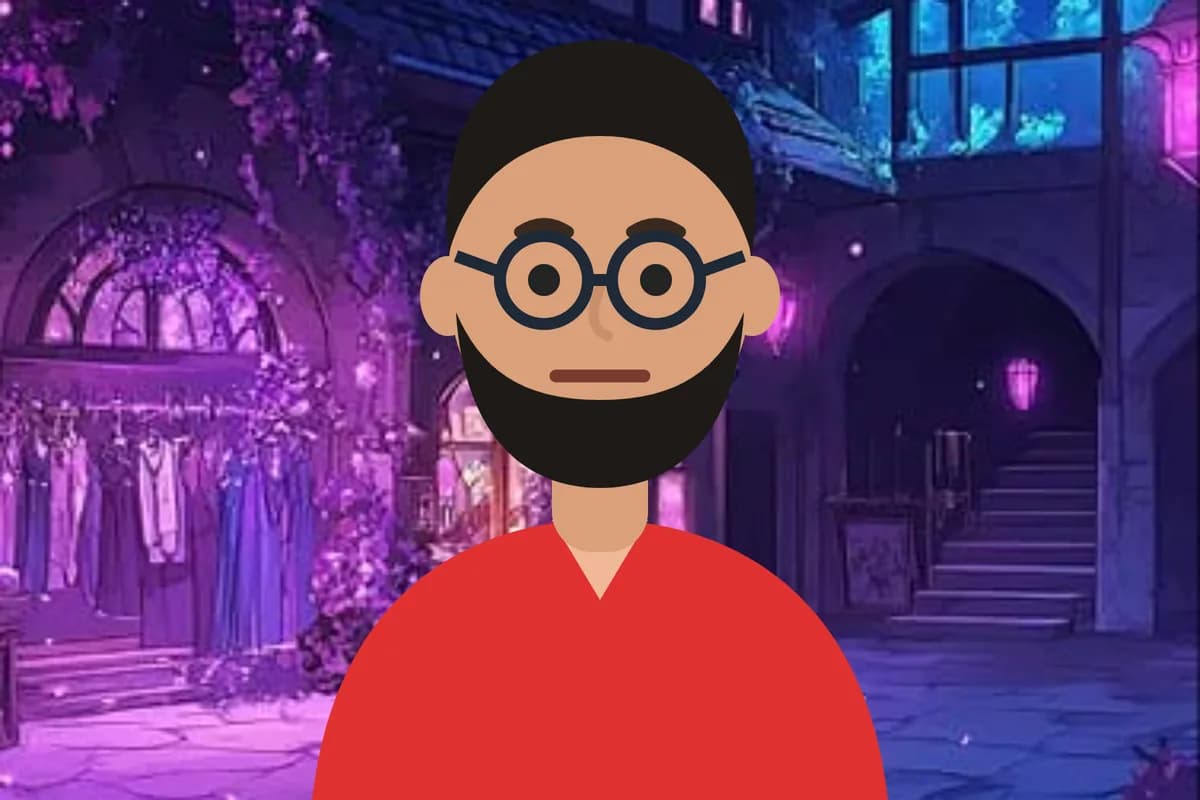
Sample result — illustration

Sample result — illustration

How to Swap a Face in a Photo

star
1

Upload the scene

The photo where the face should be replaced goes into the “Photo” slot.

star
2

Add a portrait

A clear, front-facing photo of the face goes into the “Face” slot.

star
3

Describe the task

What to leave unchanged: clothing, background, lighting.

star
4

Download the result

Or ask for tweaks to the details.

How It Works

Two photos — one shot

The scene comes from one picture, the face from another.

What to keep

Describe it in words: clothing, background, lighting, facial expression.

Consent only

Upload photos only of people who have allowed them to be used.

More tools

More tools

Merge Photos
Combine two pictures into one shot.
Image
Avatar
An avatar from a photo or description in any style.
Image
AI Photo Editor
Edit photos with words: remove clutter, change the scene or style.
Image

Still have questions?

Upload the scene to the “Photo” slot above and the portrait with the face you want to the “Face” slot next to it. Write what to keep and send the message — AI will put together the new shot. Only use photos of people who have given their consent.

Yes. Only upload photos of people who have allowed them to be used: using someone's image without consent may violate their rights and the law. Don't pass off the result as a real photo, and don't use face swap to mislead or harm anyone.

Sharp, well-lit pictures. In the portrait, the face should be front-facing, with no sunglasses, hands or hair covering it; in the scene, the face should be clearly visible too. The more similar the angle and lighting in the two photos, the more natural the result.

No, this tool works with photos only: pictures in, an image out.

The original photos and results are saved in your chat history so you can come back to them and keep editing. Don't upload pictures you aren't willing to share with the service; how data is handled is described in the privacy policy.

Technical Support

Face Swap in Photos with AI

AI moves a face from one picture to another: for funny greeting cards, costume looks or trying out a scene.

Don't use face swap to impersonate another person or to mislead anyone. Only upload photos of people who have allowed them to be used.

Top left shadowRight bottom shadow
Swap a Face in a PhotoUpload a scene and a portrait
  • Two pictures — one shot
  • Edits with a text command
  • Works in the browser
  • Pay as you go with Caps
Upload photo