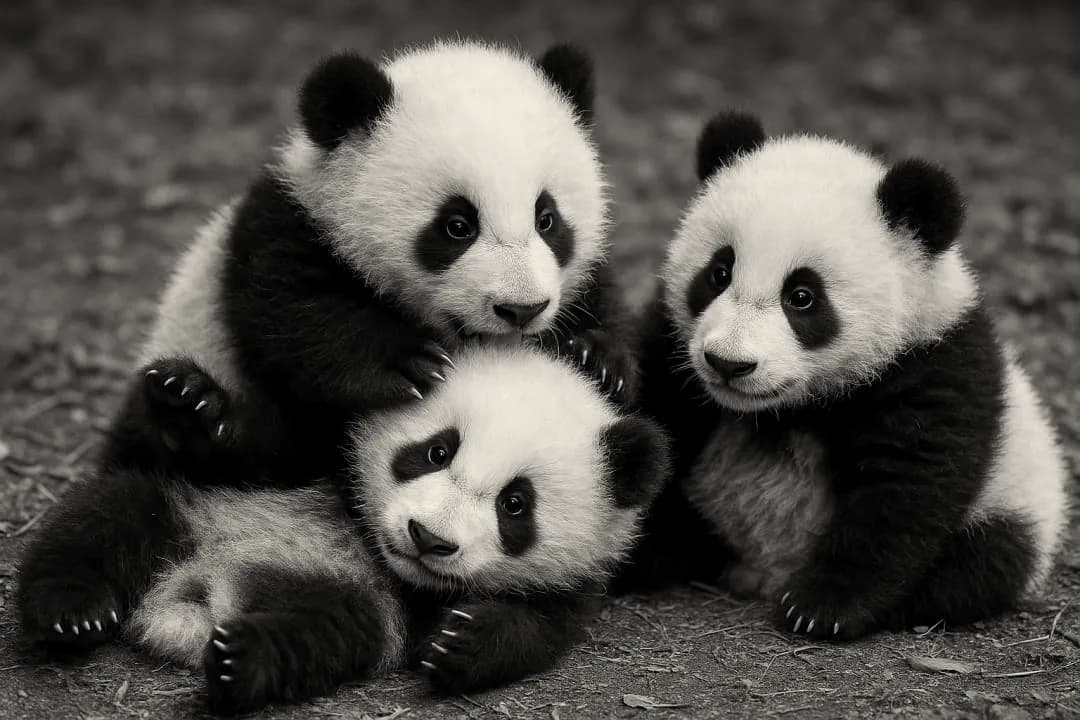
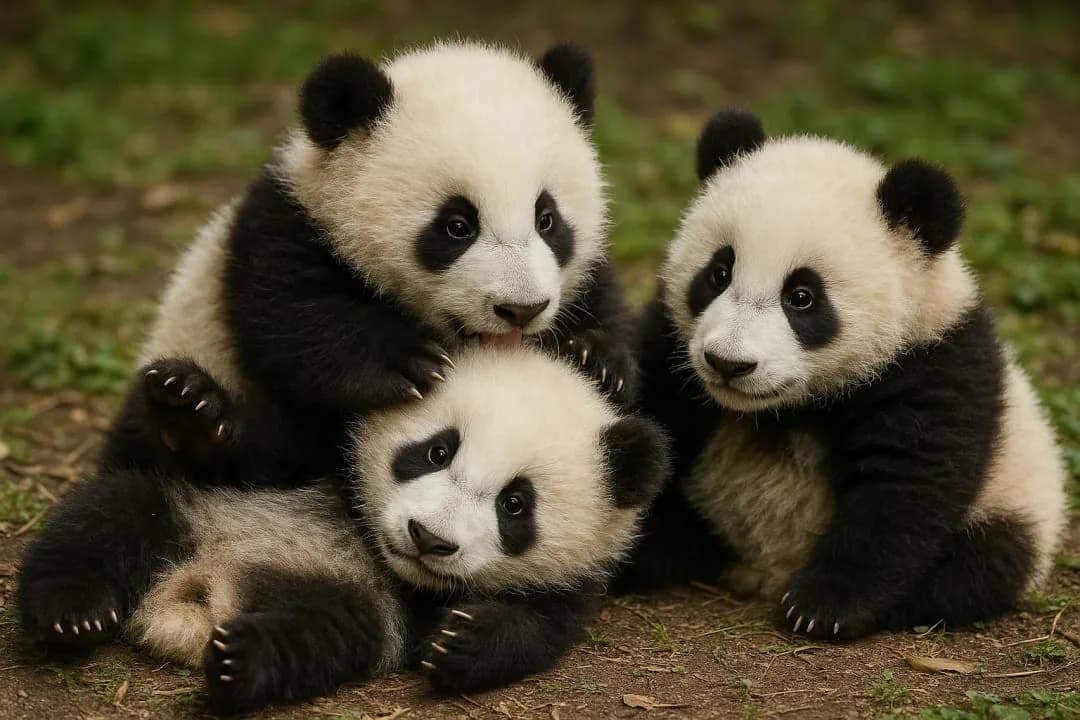

Colorize Black and White Photos Online

Upload an old black-and-white photo and AI will pick natural colors for skin, clothing, sky and foliage. Great for family archives and historical photos.
Home

/

Tools

/

Colorize Photo

Caps remaining: 0 CAPS

A scan or photo of an old print: drag an image here or choose a file

Colorize this photo in natural colors

Colorize this photo in natural colors

Sample result — illustration

Sample result — illustration

How to Colorize a Photo

star
1

Upload an image

A scan or photo of an old print.

star
2

Add hints

Which colors definitely need to be there.

star
3

Compare

The color version appears in the chat — compare it with the original.

star
4

Save

Download the color version for your archive.

What AI Can Do

Natural colors

Skin, clothing, sky, foliage — no garish shades.

Your hints

Specify the color of a dress or a car if you remember it.

Combine with restoration

Improve the sharpness of an old photo with a related tool.

More tools

More tools

Improve Photo Quality
Sharpen, remove noise and restore an old photo.
Image
AI Photo Editor
Edit photos with words: remove clutter, change the scene or style.
Image
Merge Photos
Combine two pictures into one shot.
Image

Still have questions?

Upload an image to the “Photo” slot above and, if you like, suggest the colors: “the dress is blue, the sky is light blue”. AI will send a color version — compare it with the original and download it.

It's a plausible reconstruction, not a recovery of the real colors: AI picks shades based on what's in the picture. Sky, foliage and skin usually look natural, but the color of clothing, cars or walls may differ from reality — if you remember it, mention it in your request.

Yes. Ask AI to remove scratches, creases and spots first, then colorize. AI fills in heavily damaged areas based on context, so details may differ from the original.

Sharp, straight, with no glare or strong tilt. If you have a scanner, scan at a high resolution; if you're photographing a print with your phone, use diffused light, no flash, and shoot straight from above.

The price depends on the model you choose and the image size: some models charge for the tokens of the source photo and the result, others charge a fixed amount per image. You pay in Caps; model prices and plans are listed in the “Pricing” section.

Technical Support

Colorizing Old Photos with AI

AI picks plausible colors based on what's in the picture: where the sky, skin and foliage are. If you remember the real colors, mention them in your request.

The colors are a reconstruction, not a historical fact: keep the original in your archive too.

Top left shadowRight bottom shadow
Colorize Your Family PhotosUpload an image — the color version will appear in the chat
  • Natural colors
  • Color hints
  • Works in the browser
  • Pay as you go with Caps
Upload photo