
Improve Photo Quality Online

Upload a blurry, dark or old photo and AI will sharpen it, remove noise and restore details. Works in the browser, with no software to install.
Home

/

Tools

/

Improve Photo Quality

Caps remaining: 0 CAPS

Drag an image here or choose a file — AI will enhance this exact photo

Sharpen the image and remove noise, keep the colors

Sharpen the image and remove noise, keep the colors

Sample result — illustration

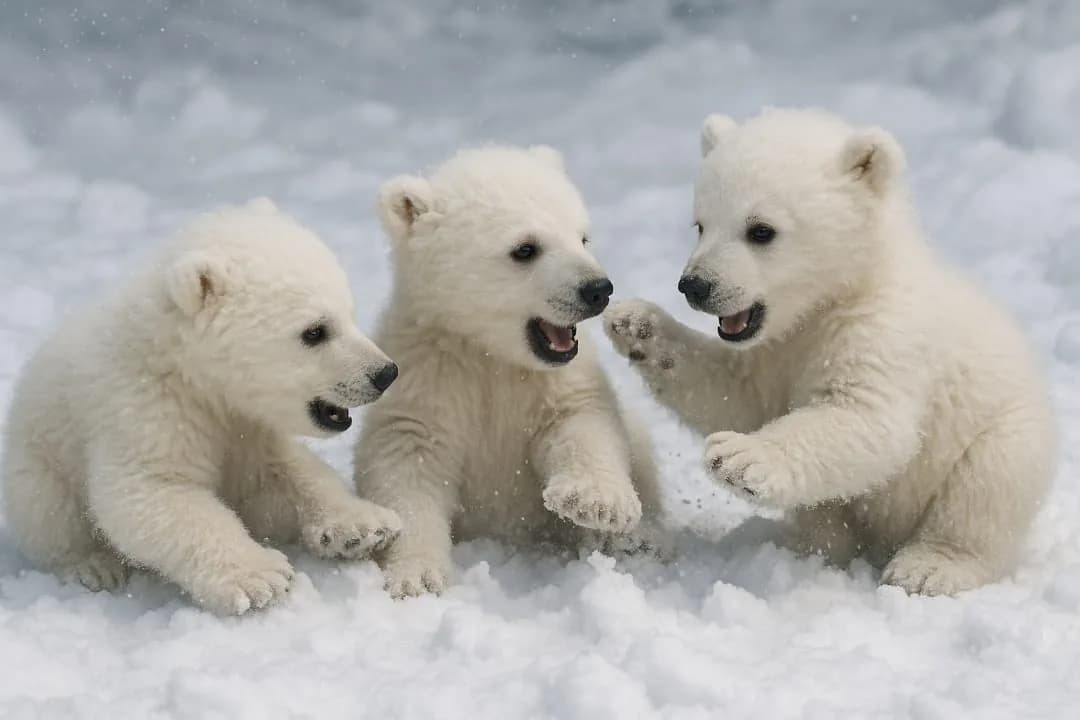
Sample result — illustration

How to Improve Photo Quality

star
1

Upload a photo

Drag an image into the “Photo” slot or choose a file from your computer or phone.

star
2

Write what to improve

Sharpness, noise, brightness or restoring an old photo — in your own words or with a ready-made scenario.

star
3

Check the result

The enhanced photo appears in the chat — compare it with the original.

star
4

Download the photo

Save the enhanced image or ask for further tweaks in the same chat.

What AI Can Do

Sharpen

Removes blur and brings out details in faces, text and small objects.

Remove noise

Cleans up grain in night shots and photos from old phones.

Restore old photos

Removes scratches and creases and revives faded pictures.

More tools

More tools

Animate Photo
Turn a photo into a short video based on a description of the motion.
Video
Remove Background
Remove or replace a photo background with a text command.
Image
AI Photo Editor
Edit photos with words: remove clutter, change the scene or style.
Image

Still have questions?

Upload an image to the “Photo” slot above, write what needs improving and send the message. AI will send the processed photo to the chat — you can download it or ask for further tweaks.

Yes. Scan or photograph the print and ask AI to remove scratches, creases and spots. AI fills in heavily damaged areas based on context, so small details may differ from the original — keep the original image.

Upload regular images — for example, JPG or PNG: a phone photo, a camera shot, a scan or a screenshot. If a file won't upload, re-save it as JPG or PNG and try again.

The original photos and results are saved in your chat history so you can come back to them and keep editing. Don't upload pictures you aren't willing to share with the service; how data is handled is described in the privacy policy.

A filter sharpens the whole frame evenly and amplifies noise along with the details. AI recognizes what's in the picture and fills in missing details — facial features, fabric texture, small text. That's why it's worth checking the result: the added details may differ from the real ones.

The price depends on the model you choose and the image size: some models charge for the tokens of the source photo and the result, others charge a fixed amount per image. You pay in Caps; model prices and plans are listed in the “Pricing” section.

Technical Support

How to Improve Photo Quality with AI

Regular filters sharpen the entire image and add artifacts. AI works differently: it understands what's in the picture and fills in missing details — facial features, fabric texture, small text.

On BotHub, photo enhancement works in the browser: there's no software to install, and you pay only for actual usage.

Top left shadowRight bottom shadow
Enhance Your Photo in a MinuteUpload an image and compare the result
  • Sharpening, noise removal and restoration
  • Works in the browser, no software needed
  • Pay only for actual usage
  • No monthly subscription
Enhance photo