

Passport and ID Photos Online

Turn a regular picture into an ID photo: AI will replace the background with white and prepare a print sheet. Check the official requirements before printing.
Home

/

Tools

/

ID Photo

Caps remaining: 0 CAPS

A front-facing portrait in even light: drag a photo here or choose a file

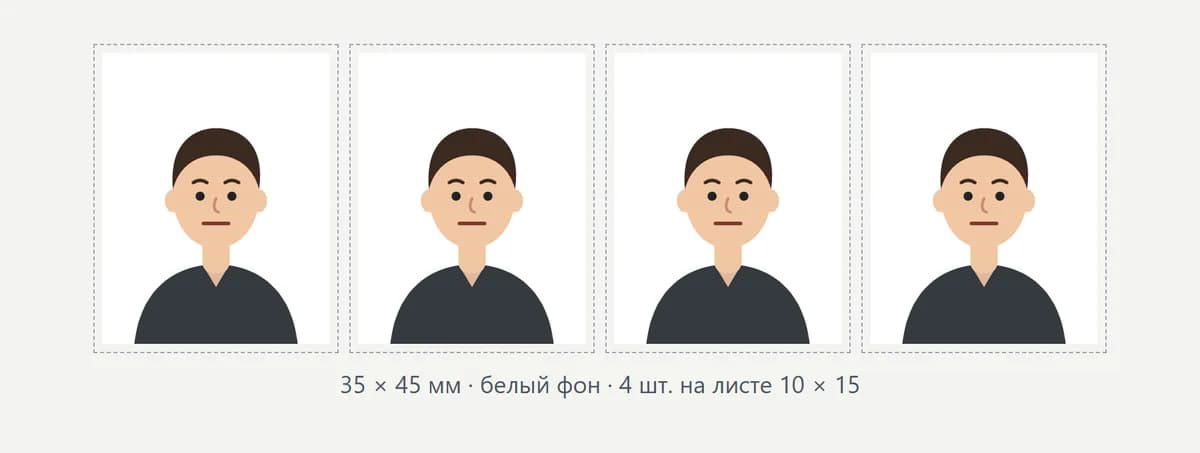
Make an ID photo: white background, front-facing, 35 × 45 mm, on a print sheet

Make an ID photo: white background, front-facing, 35 × 45 mm, on a print sheet

Sample result — illustration. Before printing, check the photo against the official requirements

Sample result — illustration. Before printing, check the photo against the official requirements

How to Make an ID Photo

star
1

Take a photo

Front-facing, even light, neutral facial expression.

star
2

Upload the picture

And specify the document or the size you need.

star
3

Check the result

Compare the photo with the official requirements: size, background, head position.

star
4

Print it

Download the sheet and print it at a photo shop or at home.

What AI Will Do

Plain background

A white or light gray background instead of the room behind you.

Framing

Head and shoulders in the frame, face centered.

Print sheet

Several photos on one sheet — easy to print at a photo shop.

More tools

More tools

Remove Background
Remove or replace a photo background with a text command.
Image
Avatar
An avatar from a photo or description in any style.
Image
Improve Photo Quality
Sharpen, remove noise and restore an old photo.
Image

Still have questions?

Upload a regular front-facing picture to the “Photo” slot above and write which document the photo is for. AI will replace the background and prepare a layout. Before printing, check the result against the requirements of the authority you're applying to.

That can't be guaranteed: photo requirements are set by the issuing authority, and it makes the final decision. AI may slightly change facial features, lighting or proportions, which isn't acceptable for official documents. Check the result against the official requirements; if in doubt, have your photo taken at a photo studio.

It depends on the country and the document: 35 × 45 mm is common in many countries, while US passports use 2 × 2 in. Besides the size, the background, head position and size and other details matter, and visas and other documents may have their own requirements — check them on the official government website before printing.

Yes: download the sheet and print it on photo paper. In the print settings, choose actual size (100%) without fitting to the page, and after printing, measure the photo with a ruler — AI doesn't always get the dimensions exactly right.

The original photos and results are saved in your chat history so you can come back to them and keep editing. Don't upload pictures you aren't willing to share with the service; how data is handled is described in the privacy policy.

Technical Support

ID Photos Without a Photo Studio

Take a picture at home by a window — AI will remove the background, straighten the framing and put together a sheet with several photos for printing.

Photo requirements differ between documents and countries, and the service doesn't guarantee compliance with them. Before printing, check the size, background and head position against the rules for the document you're applying for.

Top left shadowRight bottom shadow
ID Photos from a Picture Taken at HomeUpload a photo and specify the document
  • White background and cropping
  • Print sheet
  • Works in the browser, no software needed
  • Pay as you go with Caps
Upload photo