
Animate a Photo with AI Online

Upload a photo and describe the motion — AI turns the image into a short video. Veo, Kling and other video models in one window, pay only for what you use.
Home

/

Tools

/

Animate Photo

Caps remaining: 0 CAPS

The video will start from this frame. You can also skip it — the model will generate from your description

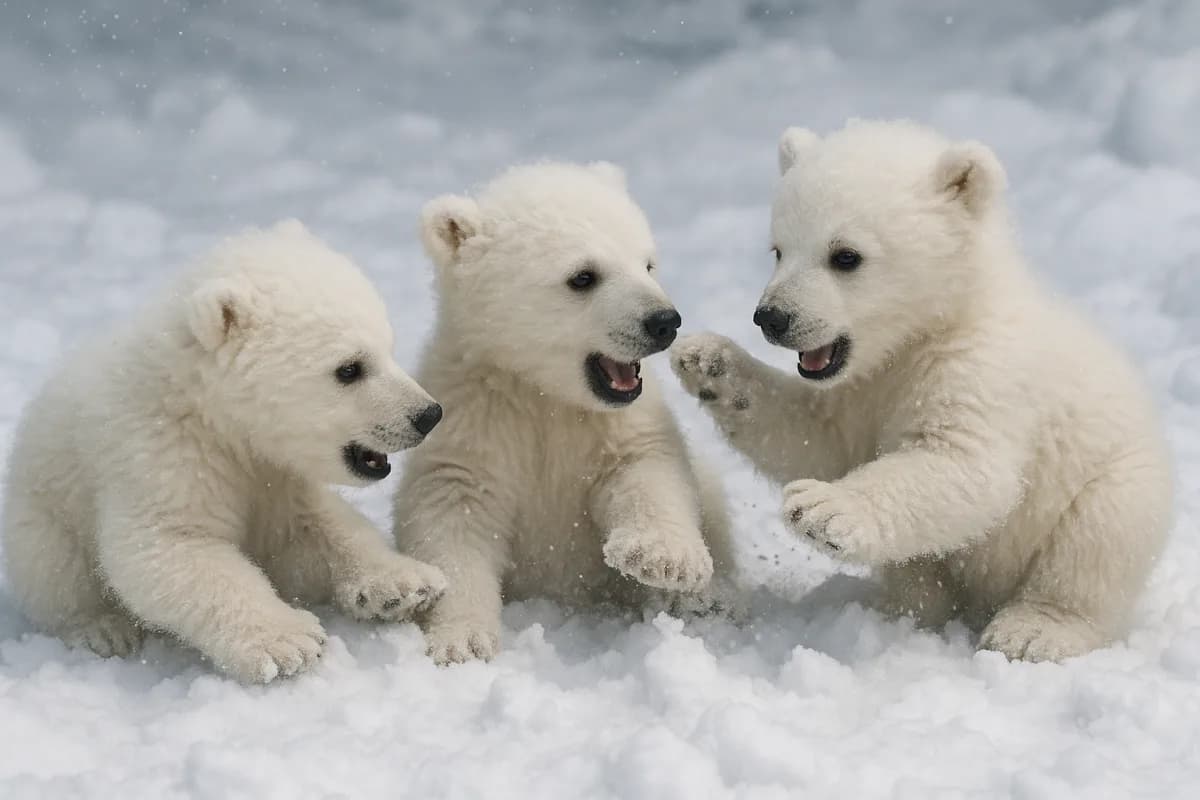
Bear cubs playing in the snow

Bear cubs playing in the snow

Sample result — illustration

How to Animate a Photo

star
1

Upload a photo

A portrait, landscape, illustration or product photo will work.

star
2

Describe the motion

What should move and what the camera does.

star
3

Choose a model

Veo, Kling and other video models — each has its own style and price.

star
4

Download the video

Save the clip or ask for another version.

What You Can Do

Animate a portrait

The person in the photo will smile, blink or turn their head.

Add motion to a scene

Clouds drift, water flows, leaves sway in the wind.

Videos for social media

Short clips for Reels, Stories and product listings from a single photo.

More tools

More tools

Improve Photo Quality
Sharpen, remove noise and restore an old photo.
Image
AI Video Editor
Change the style, lighting or weather in a clip with a text command.
Video
Colorize Photo
Natural colors for black-and-white photos.
Image

Still have questions?

Upload an image to the “First frame” slot above the input field, describe what should move and send the message. The finished video will appear in the chat — you can watch and download it.

Video models create short clips — usually a few seconds long. The exact length depends on the model you choose and its settings.

Yes, a scan of an old picture works too. The sharper the photo, the better the result: you can first enhance a blurry or damaged image with the “Improve Photo Quality” tool. The model generates the motion itself, so faces and details may change slightly.

There's no single answer: the result depends on the photo and the motion description. Try the same photo with several video models and compare — you can switch models right in the chat.

Before commercial use, check the terms for generated videos in the BotHub user agreement. Upload only photos you have the rights to, and pictures of people who agree to this use.

Technical Support

Animate Photos with AI

Video models can turn a still image into a short clip: the person in a portrait smiles, clouds drift across a landscape, and a product in a listing turns toward the viewer.

On BotHub, you can do this with Veo, Kling, Runway and other video models. Use them right in your browser and pay only for actual usage.

Top left shadowRight bottom shadow
Bring Your Photo to LifeUpload an image and describe the motion
  • Veo, Kling and other video models
  • Works right in your browser
  • Pay as you go with Caps
  • A video from a single photo
Animate photo