Logo Design with AI
AI quickly runs through ideas: symbols, wordmarks, monograms. It's a great way to find a direction before working with a designer.
Before registering a trademark, make sure your logo doesn't resemble existing ones.
Logo for Zerno coffee shop: a coffee cup or a coffee bean, four variations in different colors
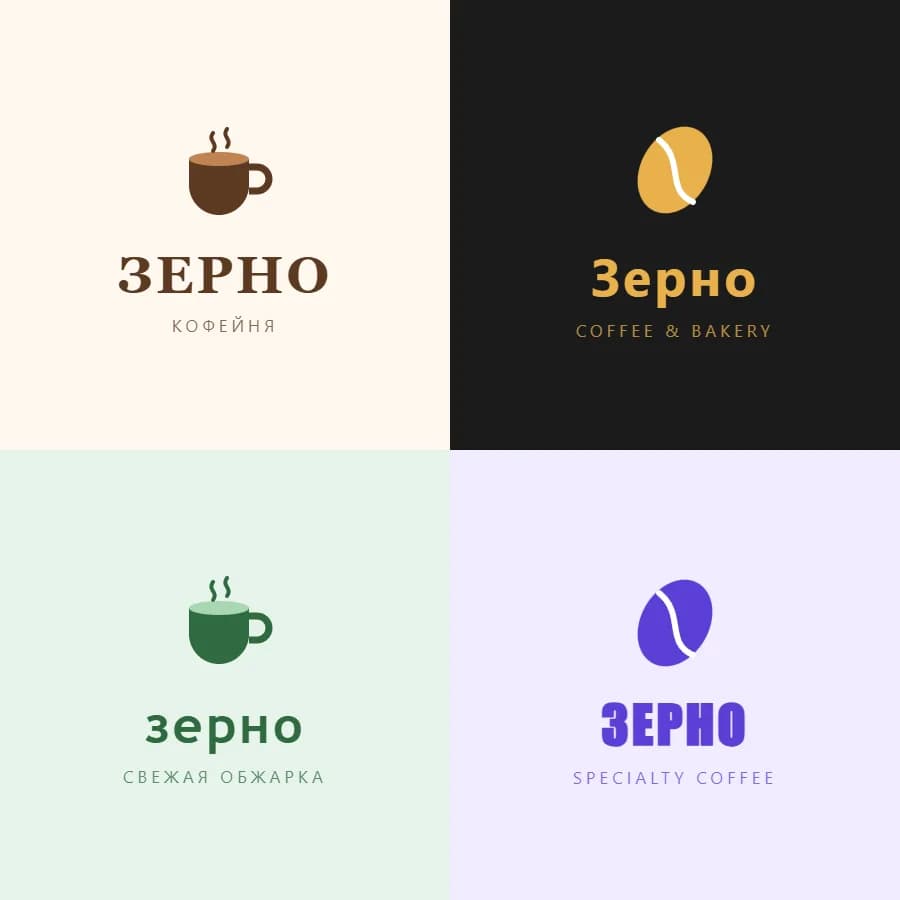
Sample result — illustration

Name, industry, audience.
Minimalist, retro, geometric, colors.
Refine the best option.
Before registering, make sure the logo doesn't copy someone else's.
Several ideas in one request — pick a direction.
Ask for the type of logo you need or compare several.
Specify the colors and the feel of the typography.
Describe your company, its name and the style you want in the field above and send the message. AI will suggest logo options — pick a direction and refine it in the same chat.
The result is an image you can download from the chat: it's usually enough for a website and social media. For print and trademark registration you'll often need a vector file (SVG, EPS or PDF) — you can vectorize the chosen option in a graphics editor or hand it to a designer.
Trademark registration is a separate legal procedure: the mark is checked for similarity to already registered ones. Before filing, make sure the logo doesn't resemble others, check the terms for generated images and, if needed, consult a trademark specialist.
Ask for several options in one request — AI can draw them on a single image — or keep sending new requests until you find a direction. Each generation is charged separately.
The price depends on the model you choose: some models have a fixed price per image, others charge for prompt and image tokens. Caps are deducted only for actual usage — model prices and plans are listed in the “Pricing” section.
AI quickly runs through ideas: symbols, wordmarks, monograms. It's a great way to find a direction before working with a designer.
Before registering a trademark, make sure your logo doesn't resemble existing ones.

