
Find Your Hairstyle from a Photo Online

Upload your photo and AI will try on haircuts and styles: a bob, long hair, curls, a bun. See your options before you go to the salon.
Home

/

Tools

/

Hairstyle Try-On

Caps remaining: 0 CAPS

Ideally front-facing, well-lit and with your face uncovered: drag a photo here or choose a file

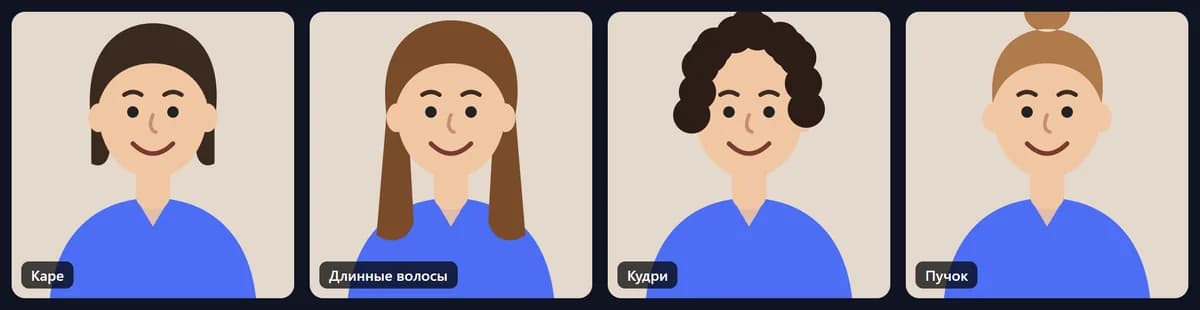
Show me with a bob, long hair, curls and a bun

Show me with a bob, long hair, curls and a bun

Sample result — illustration

Sample result — illustration

How to Find Your Hairstyle

star
1

Upload a photo

Ideally front-facing, well-lit and with your face uncovered.

star
2

Name the hairstyles

One or several at once — to compare.

star
3

Compare the looks

The options will appear in the chat — pick the one you like best.

star
4

Show your stylist

Save the look you like and take it to the salon.

What You Can Try On

Haircuts and styles

Bob, pixie, long hair, curls — just name the hairstyle you want.

Hair color

Red, blonde, ash — see how it would look.

Compare options

Several looks in a row make it easier to choose.

More tools

More tools

Avatar
An avatar from a photo or description in any style.
Image
Caricature from Photo
A friendly cartoon-style caricature from a portrait.
Image
AI Photo Editor
Edit photos with words: remove clutter, change the scene or style.
Image

Still have questions?

Upload your photo to the “Photo” slot above and write which haircuts or hair colors you want to try. AI will send different looks — compare them and save the one you like.

A clear, front-facing, well-lit portrait where your face and hairline aren't covered by hands, a hat or bangs. The better your face and head shape are visible, the more realistic the try-on.

Yes. Name the color — red, blonde, ash, dark chocolate — and a haircut if you like. The color in the photo may look different from real dyed hair: the salon result depends on your hair and your stylist's work.

The original photos and results are saved in your chat history so you can come back to them and keep editing. Don't upload pictures you aren't willing to share with the service; how data is handled is described in the privacy policy.

The price depends on the model you choose and the image size: some models charge for the tokens of the source photo and the result, others charge a fixed amount per image. You pay in Caps; model prices and plans are listed in the “Pricing” section.

Technical Support

Try On Hairstyles Online with Your Photo

Before changing your haircut, it's nice to see the result in advance. AI will try a hairstyle on your photo: the length, shape and color of your hair.

Save the looks you like and show them to your stylist — it makes it easier to explain what you want. A try-on shows the idea of a look, not the exact result of a haircut.

Top left shadowRight bottom shadow
Try On a New HairstyleUpload a photo and name a haircut
  • Haircuts, styles and color
  • Several options in a row
  • Works in the browser, no software needed
  • Pay as you go with Caps
Upload photo