Neural network for image generation

Try a powerful AI tool in Russian for creating images from BotHub. Online image generation, without VPN and registration!
Home

/

Tools

/

Image Generation

Caps remaining: 0 CAPS

How Image Generation Works

star
1

Specify the model and its version

Bothub offers a wide range of AI for image generation. Specify the model that will generate the image: different models have their own features. For example, DALL-E 2 handles photorealistic images well, while Midjourney excels in arts in a specific style.

star
2

Describe the image

Specify objects, characters, environment, perspective, lighting, mood. It is very important to detail the desired style of the image using artists' names, names of art movements, games, or movies.

star
3

Set the parameters

Each model has its own parameters, such as: image size (256 × 256, 512 × 512, 1024 × 1024), quality, number of generated variants. Specify those that best suit your needs.

star
4

Try

Send the description and wait for the model's response. The image generator will process the prompt and create an image that matches your description. If the result isn't perfect, refine the prompt and try again.

Tool Capabilities

E-commerce

Our tool speeds up visual creation for online stores. You can easily generate multiple product photo variants from any angle, in different colors and styles.

Art and Design

Set the style, theme, and mood — and the image generator will offer dozens of art and illustration options. A great example is an art piece in the style of a Renaissance artist.

Content Marketing

The AI generator enables you to create illustrations for social media posts, articles, and ads. For instance, you can generate thematic images in different styles — from digital painting to 3D rendering — for a webinar announcement.

lineline

Cost

ELITE
For one image generation by models
MidJourney — Relax
20 000 CAPS / 0,03 $ For 1 generation
MidJourney — Fast
40 000 CAPS / 0,06 $ For 1 generation
MidJourney — Turbo
80 000 CAPS / 0,12 $ For 1 generation
Dall-E
33 000 CAPS / 0,05 $ For 1 generation
Flux
1 666 CAPS / 0 $ For 1 generation
Stable Diffusion
26 250 CAPS / 0,04 $ For 1 generation

What is a neural network-based image generator

Image Generator

A neural network-based tool that creates original images from a text description — a prompt

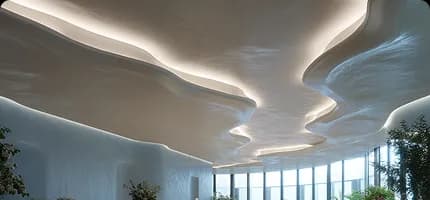
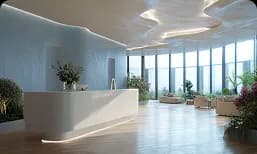
an elegant and modern space with lots of natural light. The lobby is spacious and open, it has ma...
Midjorney
7
ai-answerai-answer-mobile
The user enters a detailed request, specifying objects, plot, and style of the desired image. The neural network analyzes the text and generates a unique illustration based on the knowledge acquired during training.
Modern neural networks can create realistic images in almost any style: from classical painting to 3D rendering. By varying the wording of the prompt, you can get many different options on the same topic.

Prompt examples

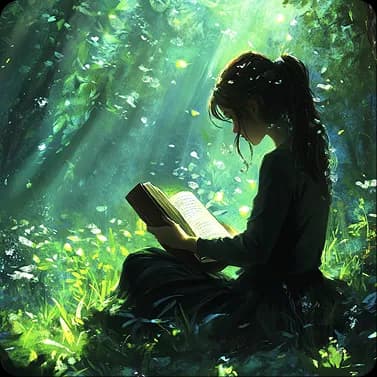
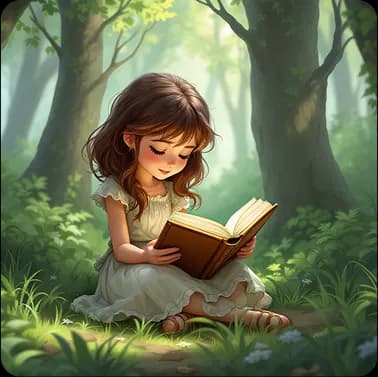
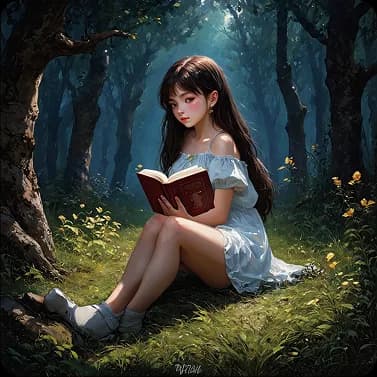
Draw a girl sitting with a book in a forest in fantasy style
Go
midjourney-6.1
ai desktop image
flux-1.1-pro-ultra
ai desktop image
stable-diffusion-3
ai desktop image
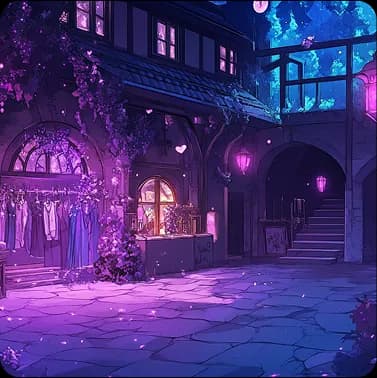
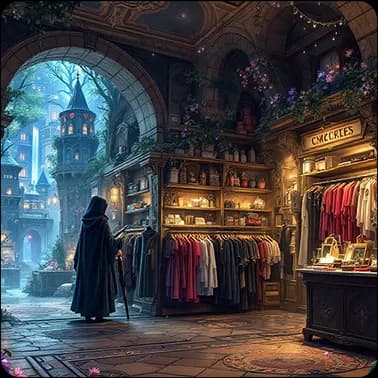
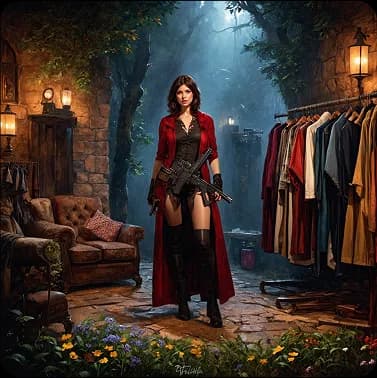
Draw the interior background of a clothing store with guns, magical robes, and fashionable clothes in an underground city with buildings in medieval European style
Go
midjourney-6.1
ai desktop image
flux-1.1-pro-ultra
ai desktop image
stable-diffusion-3
ai desktop image
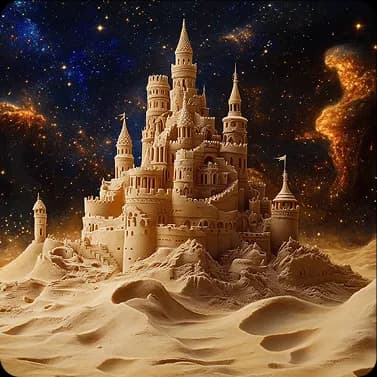
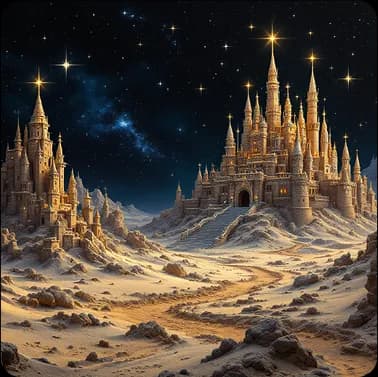
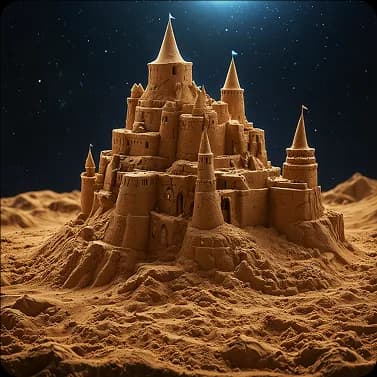
Draw a magnificent sand castle created in a fairytale landscape, sand sprinkled with stars, surreal, on a dark background
Go
midjourney-6.1
ai desktop image
flux-1.1-pro-ultra
ai desktop image
stable-diffusion-3
ai desktop image

How to properly formulate a prompt for generating images from description

Formulate the Theme

Choose an idea you want to visualize — for example, 'a writer at work'. The more specific the wording, the better the AI generator will understand your concept. Specify details: 'The writer is sitting at a mahogany desk typing on a laptop, papers scattered around, a cup of coffee on the table'.A precise prompt reduces the need for revisions. If you clearly explain what you want, the AI is more likely to produce a good result on the first try.

Add Details

To get a truly atmospheric and detailed image from the AI generator, enrich your prompt with clarifications. Use adjectives to describe features, specify color palette and lighting, describe the frame composition.Example: 'A cozy study, top-down view of an antique large mahogany desk, where a dreamy writer works on a laptop, paper pages scattered on the table, floor-to-ceiling bookshelves behind him. Muted sepia tones, details highlighted by moonlight from the window'.

Define the Style

Choose a style that best fits your idea and mood. For a serious look — photo or detailed drawing, for something light and dynamic — comic or sketch.Clearly state the style in the description so the AI image generator can unmistakably interpret it. Example: 'Writer at the desk, tall bookshelves, comic book style inspired by Roy Lichtenstein — bright colors, bold outlines, halftones'.

Describe the Scene

Always describe the scene in detail. For convenience, divide the prompt into two parts: main subject and background.Start with the main character. Describe in detail: 'A writer sits at a large mahogany desk, typing on a laptop, a stack of papers chaotically spread on the table, a cup of coffee beside him. His face shows concentration and dreaminess'.Then describe the background: 'Behind the writer are floor-to-ceiling bookshelves filled with colorful spines, to the right — a small sofa and a coffee table with magazines'.The more details you provide, the more accurately the AI will understand the context. If the background is not specified, the AI will create it based on the general theme, which may not match your expectations.

Do you still have questions?

Can AI-generated images be legally used in commercial projects and how to check licenses?

Yes, AI-generated images can be used in commercial projects. You can review the documentation and usage terms at https://bothub.chat/terms.

What if the final image doesn't match the prompt: refine the request or switch the model?

If the final image doesn't match the prompt, first try refining the prompt. If that doesn't help, consider using a different model to achieve the desired result.

How do factors like style, resolution, and description length affect generation speed and cost?

Style impacts processing complexity, increasing time and cost. High resolution requires more computing resources, and long descriptions can slow down generation due to analysis.

Which image formats are supported?

The service supports popular formats such as JPEG and PNG, ensuring compatibility with various platforms and devices.

How long does image generation take?

Generation time depends on prompt complexity and system load, but usually takes from a few seconds to several minutes.

Are images generated by the neural network unique?

Each image is created based on your specific request and chosen style. Similar prompts may result in similar outputs, but you can adjust parameters to create something truly unique.

Can generated images be edited?

Generated images can be edited using graphic editors to achieve the desired effect or add enhancements.

Which neural network model should I choose?

Choose models based on your goals and required image types, such as Dall-E, Flex, or Midjourney. Learn more about each model at https://bothub.chat/models.

Can I use the service for free?

Yes, you can test the service for free and evaluate the image generation quality.

Can images be generated in different languages?

Yes, the service supports image generation in over 20 languages, including English.

Support ServiceOpen from 07:00 AM to 12:00 PM
Top left shadowRight bottom shadow
Unlimited Image GenerationStart creating quality content in minutes
  • A variety of AI models to choose from
  • Exclusive rights to images
  • Minimal waiting time
  • Pay only for actual use
Try for Free
Neural network for image generation: online picture generation :: BotHub in Russia