BotHub
November 10, 2026
Introducing BotHub Code — Your AI Coding Agent
Meet BotHub Code — an AI-powered development tool built on OpenCode. With BotHub integrated as a model provider, you can access its AI models directly from your desktop or terminal without configuring individual providers.Unlike traditional AI coding assistants that generate standalone code snippets, BotHub Code works directly with your codebase. It understands your project's structure, edits files, executes commands, and helps you turn ideas into working software.
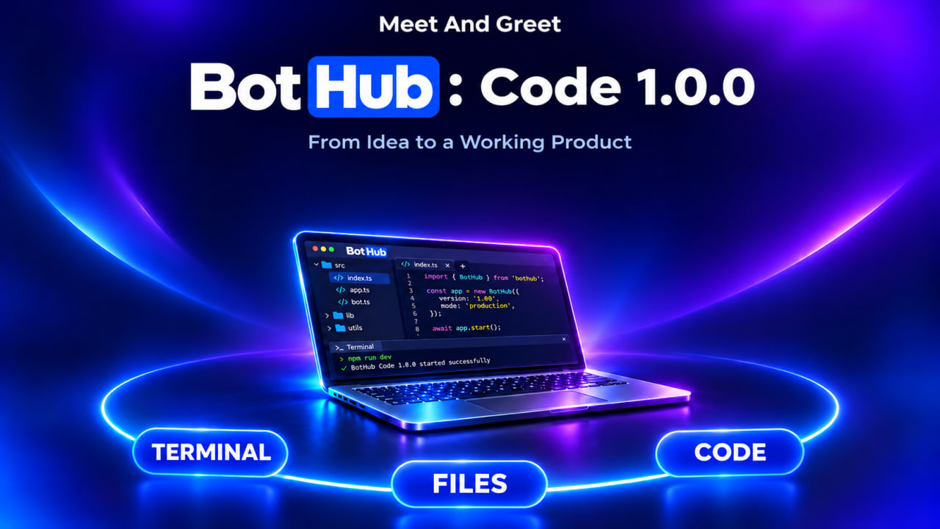
Meet BotHub Code — an AI-powered development tool built on OpenCode. With BotHub integrated as a model provider, you can access its AI models directly from your desktop or terminal without configuring individual providers.Unlike traditional AI coding assistants that generate standalone code snippets, BotHub Code works directly with your codebase. It understands your project's structure, edits files, executes commands, and helps you turn ideas into working software.
Key Features
- Code generation and editing. Implement new features, fix bugs, refactor code, and improve existing implementations.
- Project and file management. Navigate your codebase, analyze its structure, and create or modify files based on your instructions.
- Terminal integration. Execute commands, install dependencies, run tests, and automate development tasks.
- End-to-end development. Build applications from scratch, from initial prototypes to functional products, using natural language instructions.
- Access to BotHub's AI models. Switch between models and choose the one best suited to your development tasks.
Two Ways to Work with BotHub Code
Choose the interface that fits your workflow:- Desktop application — a graphical interface available for Windows, macOS, and Linux.
- Command-line interface (CLI) — work with AI directly in your terminal.
Getting Started
- Download BotHub Code from the GitHub releases page or follow the CLI installation instructions.
- Generate an API key in your BotHub account.
- Connect your API key and select an AI model.
- Open your project and give the agent its first task.